
Problem :
When you launch the SOLIDWORKS installation, the error message "Code: 1603" appears and you cannot continue.
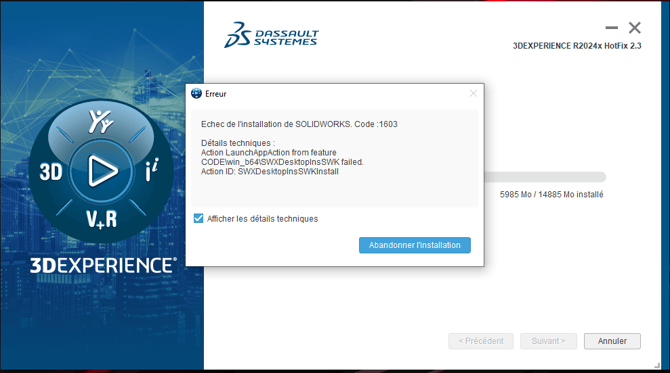
Causes and solutions:
1. Traces of old software
This error message may appear following the detection of traces of old software (SOLIDWORKS or other 3D design software) on your computer.
Resolution:
Follow the SOLIDWORKS advanced uninstall procedure.
2. Computer protection
Another possibility is that protection (antivirus, ransomware protection, etc.) is activated on the computer and blocks the installation.
Resolution:
Deactivate the blocking protections.