
Issue:
During installation or modification, you may have encountered this message:
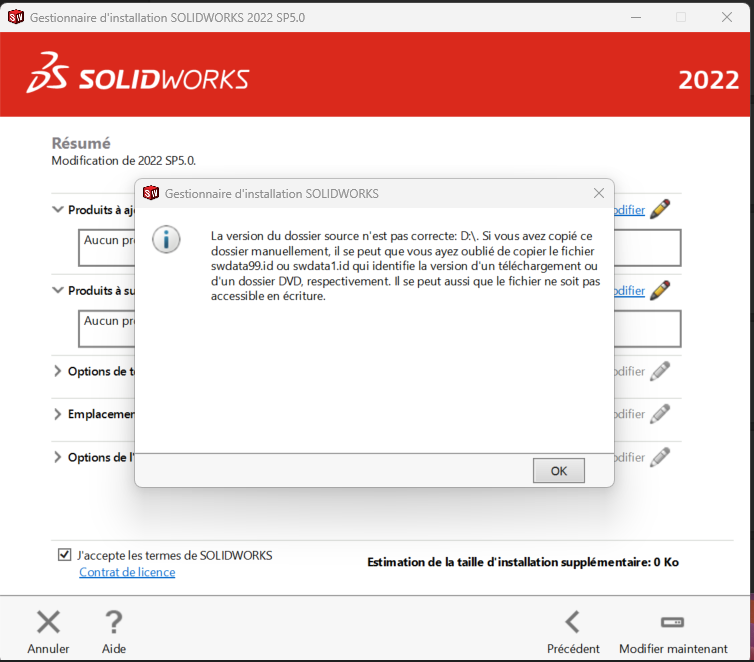
Figure 1 : Error "the source folder version is not correct D:\".
If you're installing from a set of installation files copied from a DVD or USB stick, or downloaded from websites, this error means exactly what it says: the swdata99.id file is missing.
Solution:
- The SOLIDWORKS installation file may have been deleted: restore it from your recycle bin or re-download it from this link.
Then double-click on the restored .iso file and restart the installation normally.
Report this problem!
a. Problem solved? Let us know so that we can prevent it from happening again!
b. Still not working? Contact us too!
Contact : support@ohmycad.com