
The Cloud Checker is Dassault Systèmes' official tool designed to ensure that your environment is compatible with the 3DEXPERIENCE platform.
Why use the Cloud Checker ?
The 3DEXPERIENCE platform operates entirely in the cloud. This means its proper functioning depends on several key factors :
- The quality of your Internet connection.
- Your network configuration (proxy, firewall, VPN).
- Your web browser.
Although access is cloud-based, applications are installed locally on your workstation.
The Cloud Checker allows you to :
- Quickly verify your environment compatibility.
- Detect potential network or security-related issues.
Before running the test
To ensure reliable results, make sure that:
- You are connected to your usual network (VPN enabled if you normally use one).
- Your 3DEXPERIENCE browser is set as the default browser (Chrome or Edge).
Procedure :
- Open the Cloud Checker page.
- Click on "Test your compatibilty".
- Log in with your 3DEXPERIENCE account.
- Download the file CloudEligibility.exe.
- Accept the terms and conditions.
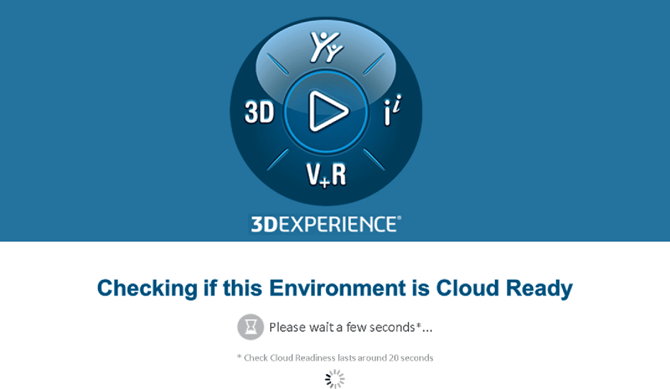
-> The test will start automatically and runs for approximately 20 seconds.
Understanding the results :
Once the test is complete, a results page is displayed :
If it displays :

Your environment is fully compatible with the platform.
Otherwise, you will see the following message :

-> It is therefore necessary to review each prerequisite.
The Cloud Checker provides detailed results for each prerequisite :
- If you see this status :

Your environment is fully compatible with the prerequisite and ready to use the platform without restrictions. - If you see this status :

The requirement is not fully met but does not impact your access to the platform. - If you see this status:

A requirement is not met and prevents your environment from being certified for 3DEXPERIENCE.
What to do in case of an issue ?
For each blocking point, Dassault Systèmes provides a detailed resolution :
- Apply the recommended actions.
- Run the test again.
-> If the issue persists, please send us the results so our team can assist you.
Report this problem!
a. Problem solved? Let us know so that we can prevent it from happening again!
b. Still not working? Contact us too!
Contact : support@ohmycad.com