
Symptoms
When launching SOLIDWORKS Design from the 3DEXPERIENCE platform, the application fails to start and displays a message indicating that the license is already being used on another device, even though no other active session exists.
This issue is often caused by corrupted cache files or stale session information stored locally on the workstation.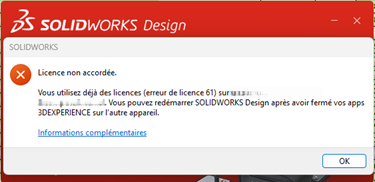
Solution
- Log in to 3DEXPERIENCE platform from your web browser.
- If Derived Format Converter is installed on your workstation :
- Open the Compass.
- Search for Derived Format Converter.
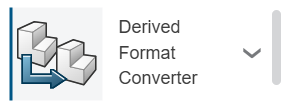
- Uninstall the application.
Clean the cache
- Open the Windows File explorer.
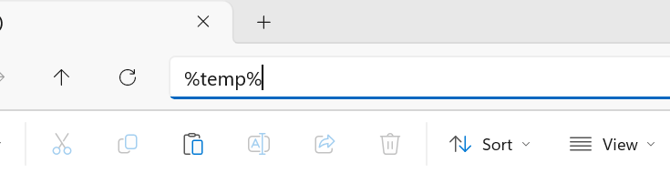
- In the address bar, type : %temp%.
- Locate the following folder : swcefcache.
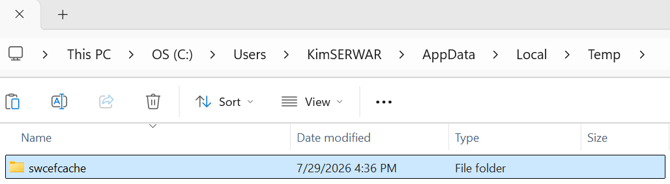
- Rename it to : swcefcache_old.
Folder location : C:\Users\<User>\AppData\Local\Temp\swcefcache.
- Browse to : C:\Users\<User>\AppData\Local\DassaultSystemes\.
- Locate the CATTemp folder.
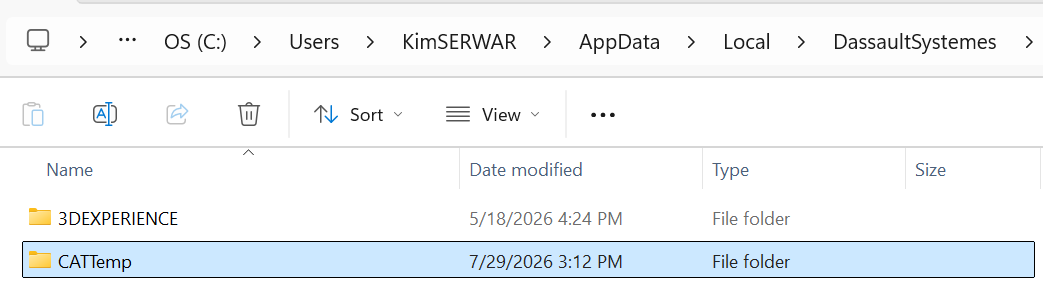
- Rename it to : CATTemp_old.
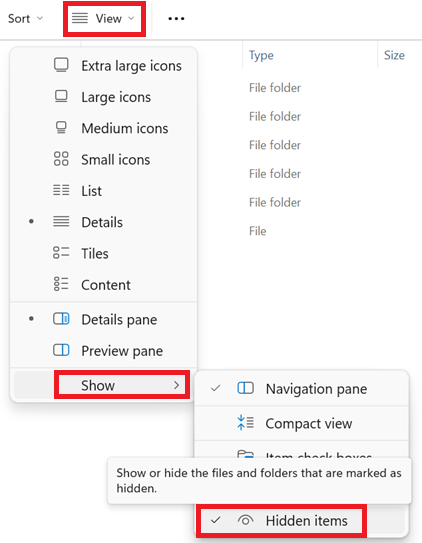
If the folder is not visible, enable hidden items in Windows File explorer : View > Show > Hidden items.
Once both folders have been renamed, return to the 3DEXPERIENCE platform and launch SOLIDWORKS Design. New cache folders will be created automatically.
In most cases, this procedure resets the local session data and resolves the error indicating that the license is already being used on another device.